FREE WEBSITE ACCESSIBILITY CHECK
CAN EVERY CUSTOMER
USE YOUR WEBSITE?
We will run automated accessibility checks against WCAG 2.1 AA benchmarks to identify critical barriers affecting keyboard navigation, screen reader compatibility, and contrast compliance.
- Automated WCAG 2.1 AA diagnostic report
- Clear, plain-English summary of critical issues
- No cost. No obligation. No scare tactics.

Request Your Review
Delivered directly to your inbox within 48 hours.
Strictly confidential • No marketing spam • Plain-language report
CAN EVERY CUSTOMER
USE YOUR WEBSITE?
FREE WEBSITE ACCESSIBILITY CHECK
We will run automated accessibility checks against WCAG 2.1 AA benchmarks to identify critical barriers affecting keyboard navigation, screen reader compatibility, and contrast compliance.
- Automated WCAG 2.1 AA diagnostic report
- Clear, plain-English summary of critical issues
- No cost. No obligation. No scare tactics.
Request Your Review
Delivered directly to your inbox within 48 hours.
Strictly confidential • No marketing spam • Plain-language report
METHODOLOGY & STANDARDS
A TRUSTED PROCESS
Every audit combines rigorous automated precision with hands-on human inspection to deliver actionable clarity without panic.
AUTOMATED + HUMAN
Automated tooling catches surface-level code errors instantly, while manual review tests real assistive technology workflows for authentic accessibility.
PLAIN LANGUAGE
Reports are written for humans, not just tools. You’ll get straightforward explanations and next steps you can hand to whoever maintains your website.
NO SCARE TACTICS
We focus entirely on genuine digital accessibility and practical barriers. No legal intimidation, exaggerated compliance threats, or forced enterprise contracts.
SCOPE OF EVALUATION
WHAT DO WE LOOK AT?
We examine the six foundational touchpoints where accessibility friction most frequently harms user experience and search performance.
01. Text Alternatives
Verification of alt descriptions across all functional imagery, ensuring decorative visuals are correctly ignored by screen readers.
02. Semantic Hierarchy
Structural check of headings (H1–H6), page landmarks, and reading order so the page still makes sense when someone navigates with assistive technology.
03. Forms & Inputs
Audit of visible label associations, explicit focus indicators, and inline validation errors on forms to stop lead loss.
04. Contrast & Color
Rigorous WCAG 2.1 AA luminance ratio checks (4.5:1 text, 3:1 graphical) ensuring meaning is never conveyed by color alone.
05. Keyboard Traversal
Complete inspection of tab order, elimination of keyboard traps, and verification of high-visibility active focus outlines.
06. ARIA & Dynamics
Validation of ARIA live states, modal dialog containment, and screen reader announcements on interactive components.
Clarification Note: This diagnostic screening evaluates critical barrier indicators against WCAG 2.1 AA standards; it serves as an actionable triage report rather than an exhaustive legal compliance audit.
DELIVERABLE CLARITY
You won't get a mysterious score.
You'll get useful next steps.
Most accessibility checkers deliver an arbitrary grade that leaves developers guessing. Emmy Drafts pairs clear plain-language descriptions with a pragmatic fix priority list.
THE FLAWED APPROACH
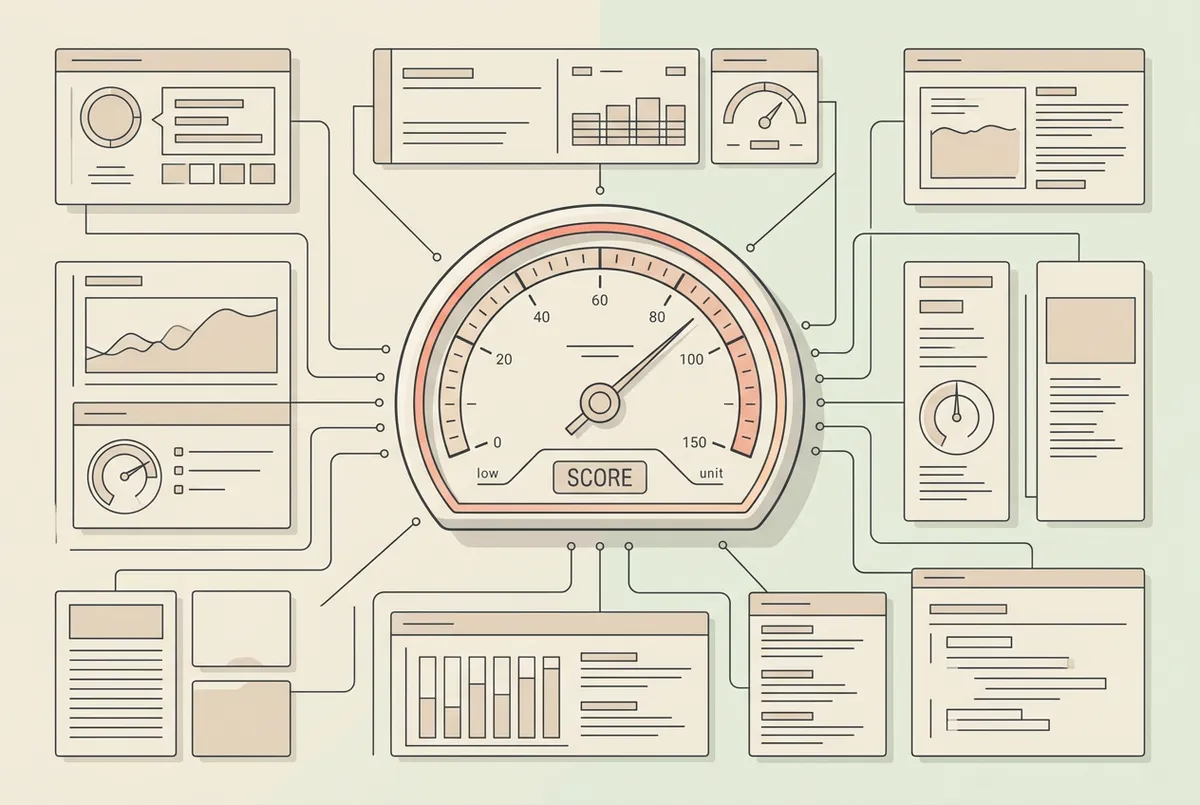
The Opaque Compliance Metric
Traditional automated tools output a single percentage score without explaining how it was calculated, which problems actually block customers, or what to fix first.
- Vague percentages that don’t tell you what to fix
- False positives that waste time
- No guidance on what matters most vs. what can wait
THE EMMY DRAFTS WAY
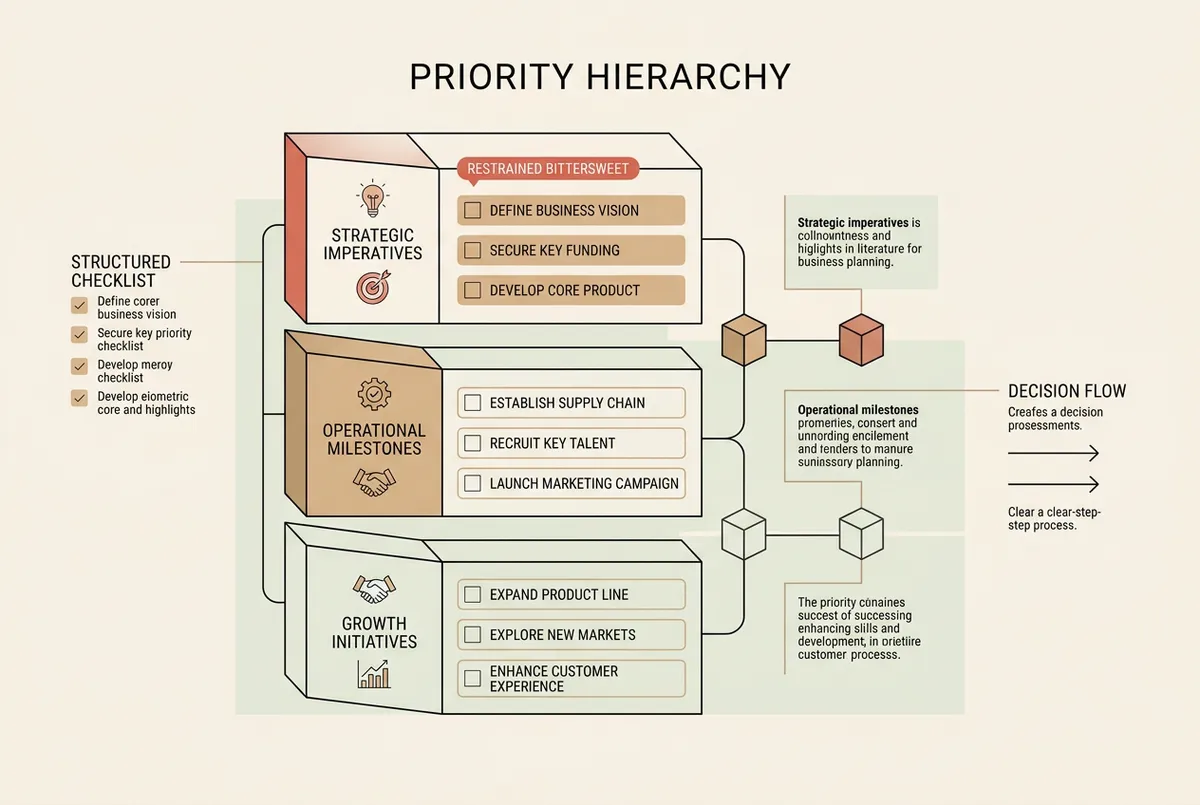
Plain Description + Ordered Fixes
You receive human-readable diagnostic notes specifying the exact HTML element, why assistive tech fails on it, and an ordered priority triage ranking critical user barriers first.
- Plain-language descriptions of what we found
- Clear priority: what to look at first
- Practical next steps you can hand to any developer
100% Yours To Keep. No Retainer Or Lock-In.
The report is yours. Hand it to your web person, keep it for later, or fix things at your own pace. No ongoing commitment.
HONEST AUDITING & PROCESS INTEGRITY
Automated tools help.
They don't tell the whole story.
Automated accessibility tools are useful — they can spot certain problems quickly and consistently. But they only catch a portion of the barriers that matter in real use. That’s why this free check combines an automated scan with a short human review.
THE HUMAN AUDIT MANDATE
One-line script overlays claim instant compliance, but sites with overlays still get sued — and they can still be hard to use. Real accessibility takes looking at structure, keyboard focus, and how the site behaves with assistive technology.
TRY THIS NOW
PUT YOUR MOUSE DOWN
FOR THIRTY SECONDS.
Push your cursor to the edge of your desk. Use only the Tab, Shift + Tab, Enter, and Space keys to navigate your current production site.
A meaningful share of visitors rely on a keyboard (or other non-mouse navigation). If someone can’t see where they are or complete a form, the inquiry path can break.
Takes 30 seconds to run. No software installation required.
01. CAN YOU CLEARLY SEE FOCUS?
Is there a persistent, high-contrast visual outline showing exactly where your keyboard cursor is positioned?
02. CAN YOU REACH THE NAVIGATION?
Can you jump sequentially across header items, links, and action buttons without getting trapped in background scripts?
03. CAN YOU OPEN AND CLOSE DROPDOWNS?
Do submenus open with Enter/Space and close cleanly with Escape without resetting page scroll?
04. CAN YOU SUBMIT FORMS WITHOUT TRAPS?
Are inputs selectable in natural tab order with visible labels and clear inline validation messages?
05. CAN YOU SKIP REPETITIVE HEADERS?
Is there a functional 'Skip to Content' mechanism so users avoid tabbing through 30 header links on every page load?
FRICTIONLESS PROCESS
Three simple steps.
No software installations, no invasive permissions, and absolutely zero obligation. Just rapid clarity on your accessibility status.
1. Send Us Your Website
Submit your target website address via our secure form. No login credentials, source code access, or onboarding meetings required.
2. We Check It
Our multi-point automated engine cross-checks core WCAG criteria, followed by manual keyboard flow validation from an accessibility specialist.
3. We Send You Findings
Receive a plain-language summary of critical barriers, prioritization guidance, and remediation paths delivered directly to your inbox.
No obligation. Full stop. Your report is free, with no sales pressure or required follow‑up calls.
AUDIENCE QUALIFICATION
THIS IS PROBABLY FOR YOU IF…
You do not need to know anything about WCAG guidelines, accessibility audits, or legal mandates. We focus entirely on clear, actionable adjustments that make your digital experience seamless for actual human beings.
Zero scare tactics. Just pragmatic, prioritized recommendations designed to protect your brand and welcome every visitor.
You want your website to be genuinely welcoming, not just technically compliant
You care about the actual experience of people with low vision, motor differences, or cognitive preferences navigating your content.
You are tired of automated scan reports that dump 200 false positives
Generic software scanners flag code that does not matter while missing basic keyboard navigation traps. You need human perspective.
You want plain-English instructions your developers can act on immediately
Each finding comes with a plain-English explanation and a practical next step — not just a list of technical criteria.
You do not want to spend five figures on full enterprise compliance retainers
You want high‑leverage fixes that remove most of the friction real visitors hit — without turning this into a big “enterprise program.”
You value honest, direct feedback over automated sales widgets
You want to understand where your customer journey breaks down without being pushed into high-pressure monthly software contracts.
TRANSPARENT & DIRECT
WEBSITE ACCESSIBILITY —
STRAIGHTFORWARD ANSWERS.
No jargon, no hidden technical caveats, and zero automated overlay sales pitches. Every answer below is fully expanded for immediate, accessible review.
1. Do accessibility overlays or plug-in widgets make a site compliant?
Not necessarily. Widgets and overlays can help with some needs, but they don’t automatically fix underlying accessibility issues. What makes sense depends on your website and what we find — and if we ever recommend a product through a partnership, we’ll disclose that relationship.
2. What does WCAG 2.1 AA actually cover?
WCAG 2.1 Level AA defines 50 measurable success criteria structured around four core principles: Perceivable, Operable, Understandable, and Robust. This free check is a focused screening — it helps you spot common barriers and decide what to look at next.
3. Why can't automated software scanners catch 100% of accessibility issues?
Automated tools reliably evaluate some measurable items like color contrast and missing alt text, but they only cover a minority of what matters in real use. They can’t evaluate focus order, screen reader announcements, or whether a popup is actually usable without a person testing it.
4. What happens after you check my site?
We’ll email you a plain-language summary of what we found, why it matters, and what to do next. If you want Emmy Drafts to help with fixes, we can scope and quote that afterward — and if you’d rather give the summary to your own developer, that’s completely fine.
5. Will structural remediation slow down our site or alter brand design?
Quite the opposite. Clean, native semantic HTML strips out bloated script wrappers, which frequently improves core web vitals and overall page load speed. Design integrity is maintained: contrast adjustments and focus rings are engineered to blend seamlessly into your brand system.
6. Should I be worried about lawsuits?
We're not lawyers and don't give legal advice. Our focus is practical fixes that make your site easier to use. If you do make improvements, keeping notes of what was found and fixed helps you stay organized.
7. How do we keep accessibility from slipping over time?
Accessibility is an ongoing process. If you want help beyond the free check, we can scope the fixes and share a simple checklist to use when you update your site.
FINAL STEP
You don't need to know what's wrong
before you ask us to look.
Free check. No obligation. No scare tactics.
Delivered in 48 hours • Plain English report • Zero sales pressure

EMMY DRAFTS ACCESSIBILITY INITIATIVE
The free website accessibility check is an informational screening tool designed to highlight common digital accessibility barriers. It does not constitute formal legal counsel, statutory certification, or an exhaustive WCAG 2.1/2.2 audit. For binding legal opinions or customized remediation frameworks, consult with a certified digital accessibility attorney or specialist.
© 2026 Emmy Drafts. All rights reserved. Strict high-contrast editorial system engineered for accessibility and clarity.